Surfer SEO
Data-driven content optimization for higher rankings
Starting at $49/mo
Try Surfer SEO FreeKoala AI
One-click SEO-optimized blog posts and product reviews
Starting at $9/mo
Try Koala AI FreeSurfer SEO and Koala AI get compared a lot, but they barely overlap. One is an optimization engine. The other is a writing engine. Choosing between them is less about which is “better” and more about which problem you’re actually trying to solve.
Surfer SEO ($49/mo) analyzes what’s already ranking on Google and tells you exactly how to match or beat it. NLP term suggestions, content scoring, SERP analysis, content audits: it’s a data platform for content optimization. It can generate text through Surfy (the bundled AI assistant in 2026), but writing has never been the core product.
Koala AI ($9/mo) writes complete articles from a keyword. One click, 2,000+ words, structured and polished. It has basic SEO awareness, but it doesn’t analyze the competition or score your content against what’s ranking. The output is the product.
We’ve used both extensively. Here’s where each one earns its price, and where it doesn’t.
Surfer SEO vs Koala AI: Quick Verdict
Koala AI ($9/mo) wins on overall value for AI content creation on a budget because it delivers near-publish-ready drafts at a fraction of Surfer SEO’s cost. Pick Koala AI if your bottleneck is writing, you target low-to-mid-competition keywords, or you need product descriptions alongside blog content. Pick Surfer SEO ($49/mo) if you compete for KD 20+ keywords and need best-in-class NLP term analysis, Content Score, and SERP audits. The strongest workflow combines both at $58/mo: Koala for fast drafts, Surfer for optimization.
How We Tested
We ran both tools against the same content brief: a blog post targeting “best standing desks for home offices” (KD ~25, commercial intent). We measured:
- With Surfer SEO: Created a new Content Editor document, analyzed the SERP, wrote a draft using the NLP term suggestions, and optimized until the Content Score hit 80+.
- With Koala AI: Entered the keyword into KoalaWriter, generated a one-click article, and evaluated the output for quality, structure, and topical coverage.
We compared optimization depth, writing quality, time to publishable draft, and cost per article.
Surfer SEO: The Optimization Engine
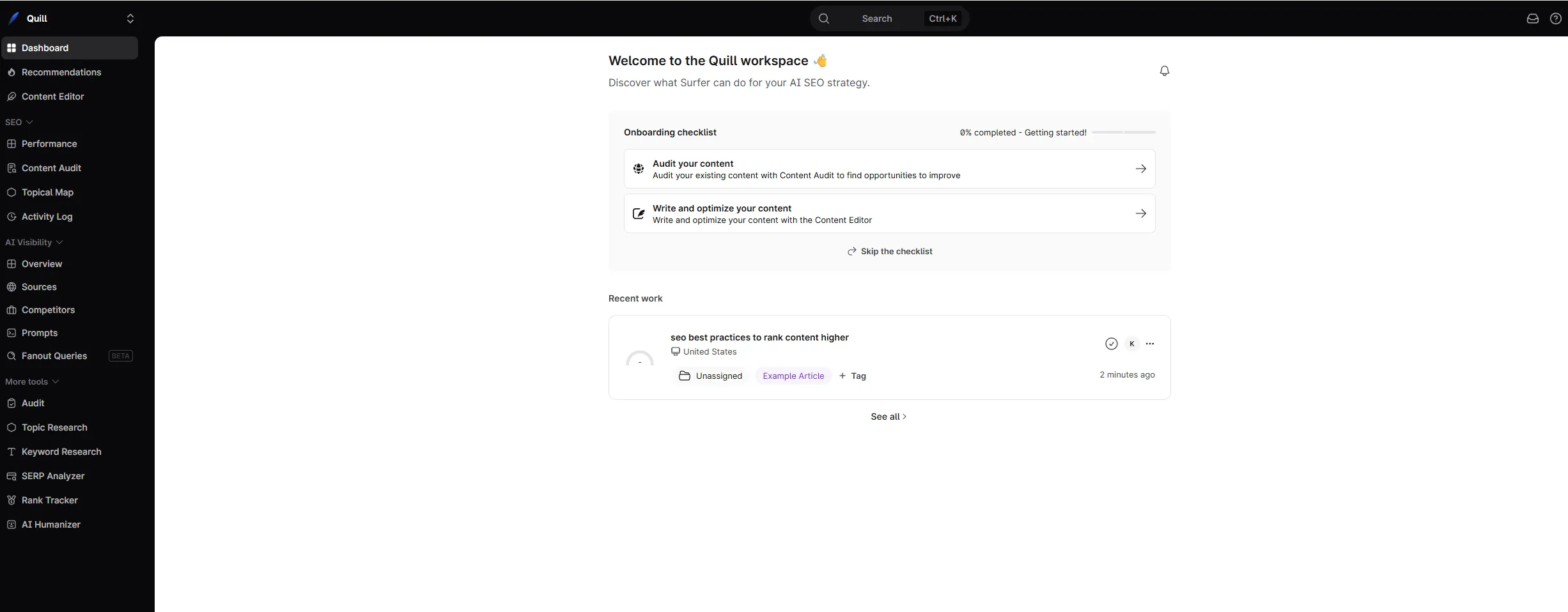
Surfer SEO starts with data. Enter a target keyword and it reverse-engineers the top 20 search results, pulling NLP terms, heading structures, word count ranges, image counts, and entity coverage. You get a blueprint for what Google rewards for that specific query before you type a word.
Where Surfer SEO Excels
NLP term analysis is unmatched. For our standing desk keyword, Surfer surfaced 40+ semantic terms and entities that top-ranking pages covered (“ergonomic height range,” “cable management tray,” “anti-fatigue mat,” “weight capacity”) organized by frequency and importance. This isn’t keyword stuffing. It’s topic completeness, and it’s the difference between thin content and comprehensive content.
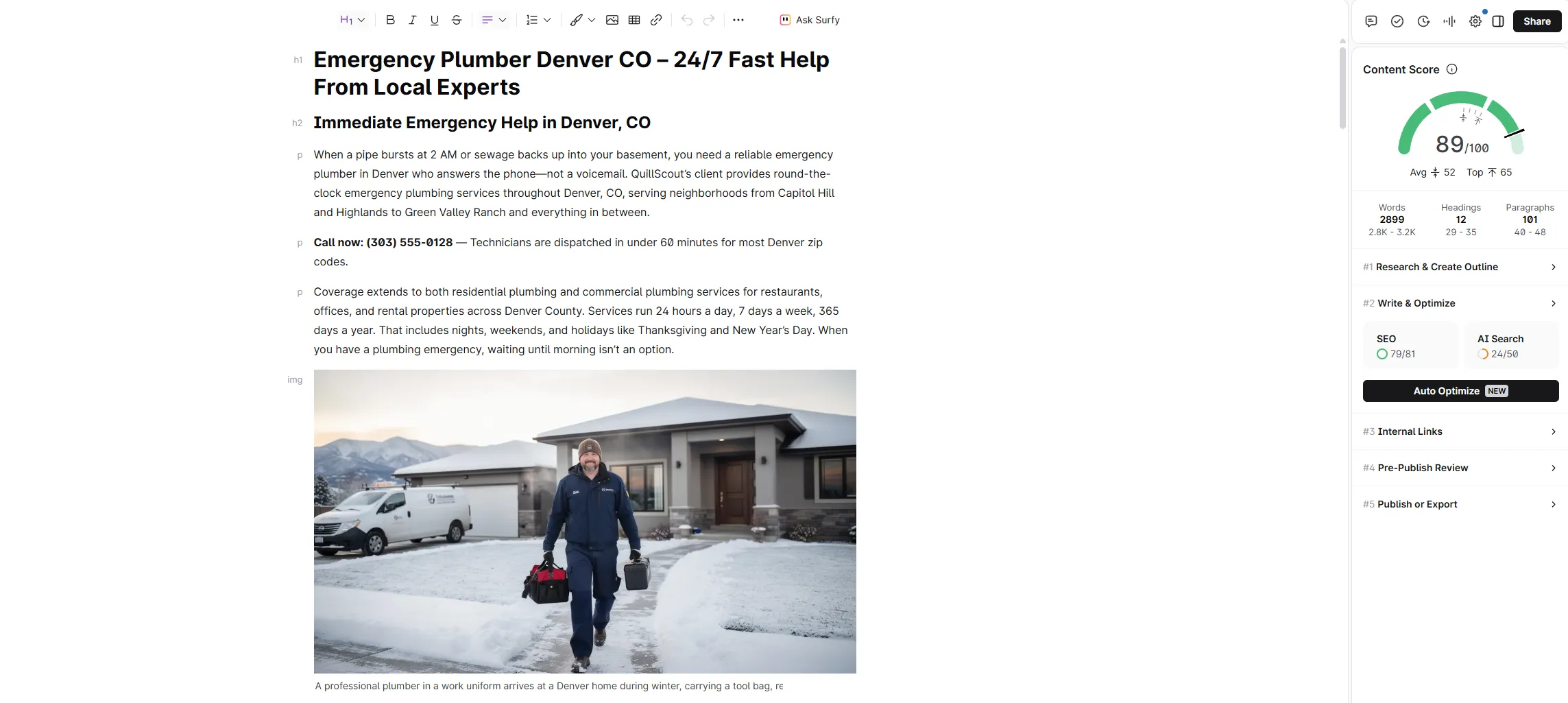
Content Score is the industry benchmark. The real-time 0-100 score in the editor tells you exactly how your draft compares to what’s ranking. In our testing over 50+ articles, pieces scoring 70+ consistently outperformed those in the 50-60 range. It’s not magic (a good score won’t fix a weak domain) but it’s the most reliable optimization signal available.
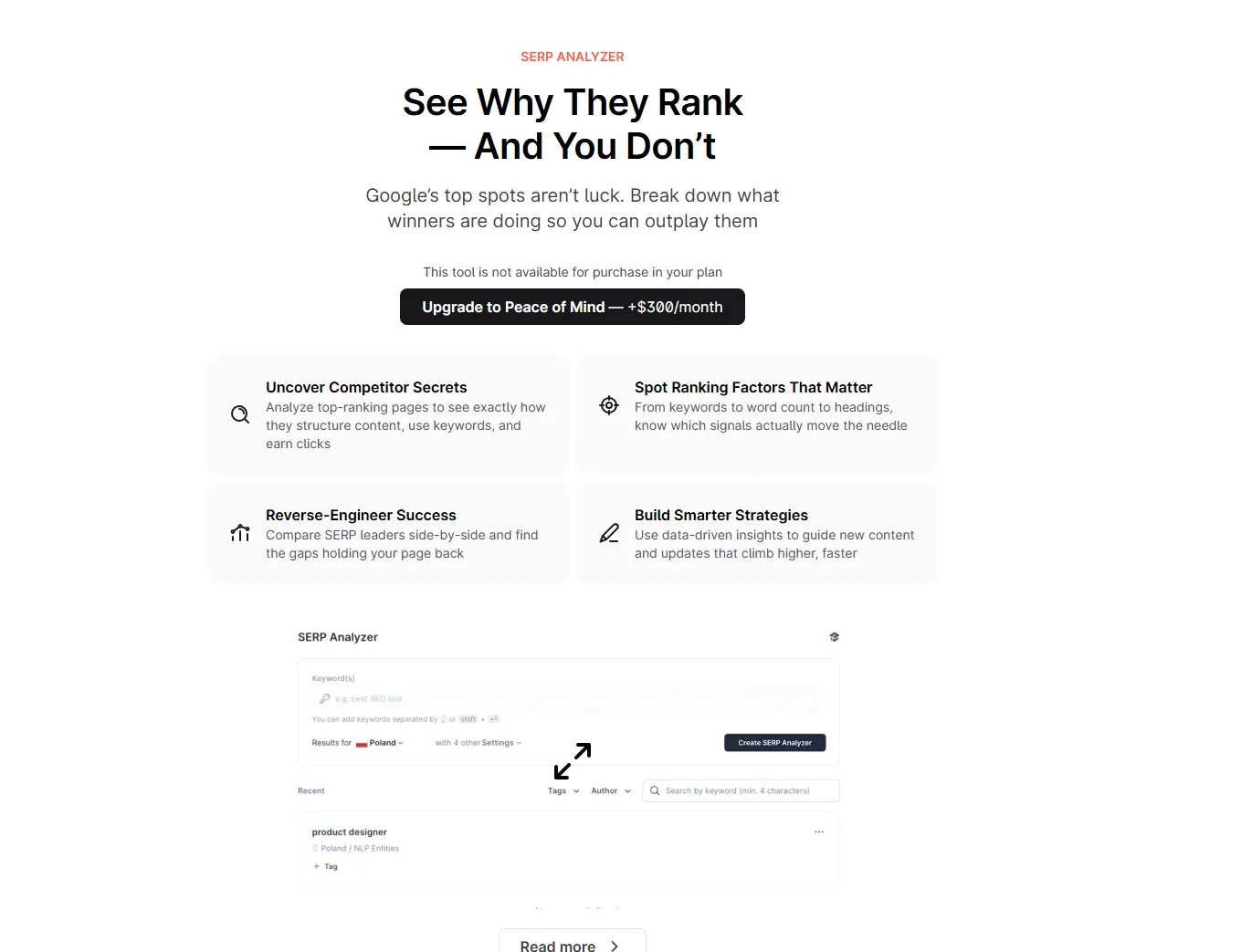
SERP Analyzer reveals competitive patterns. Beyond terms and word counts, Surfer shows you structural patterns across the top results. For one keyword, we discovered every top-5 page included a comparison table, something we hadn’t planned to include. That’s competitive intelligence you can’t get from reading three search results manually.
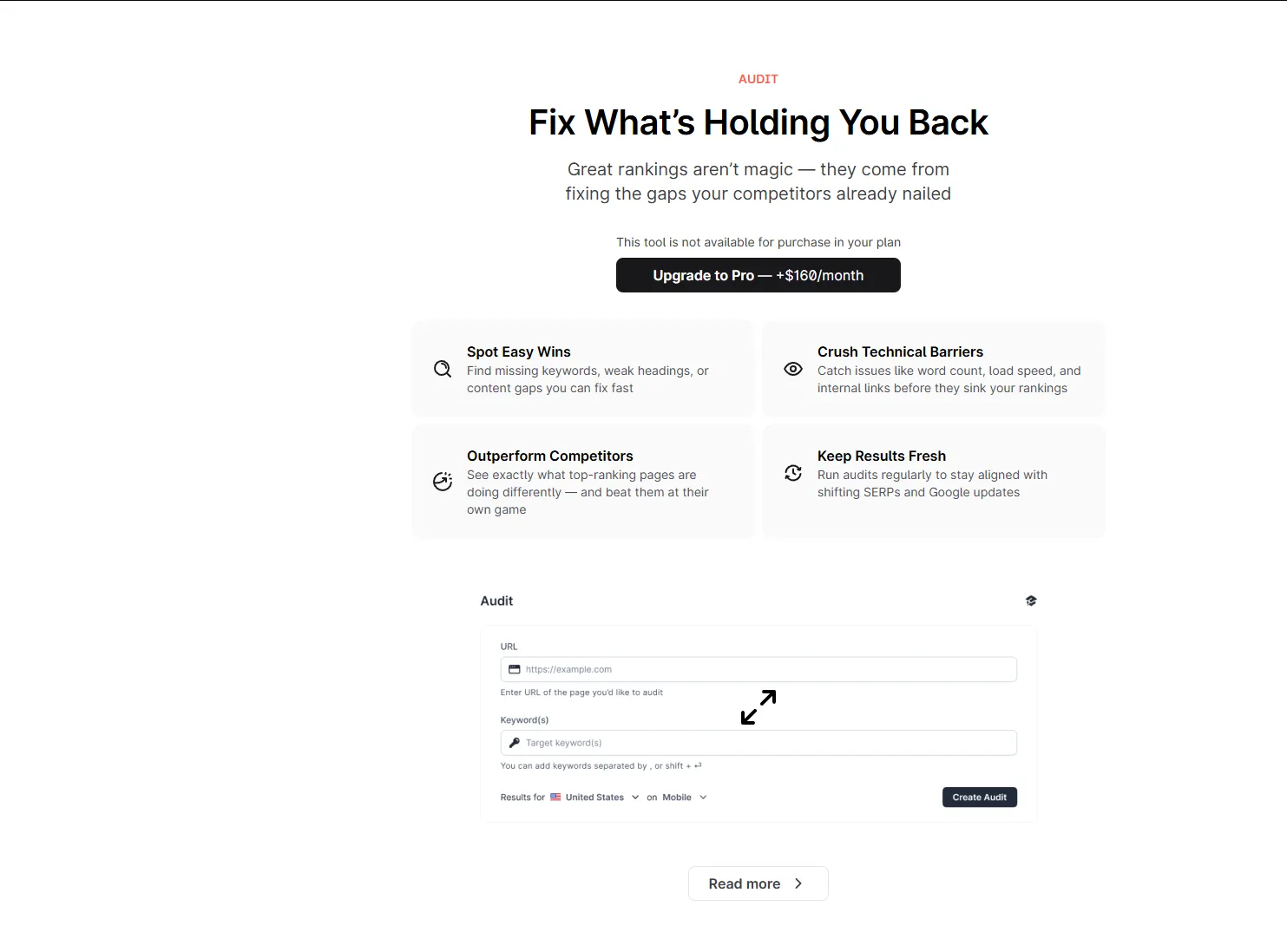
Content Audit saves hours on refreshes. Connect Google Search Console, point Surfer at a published URL, and it tells you what to change: missing terms, structural gaps, sections to expand. We ran audits on 15 articles and found actionable recommendations about 80% of the time. For teams managing large content libraries, this alone justifies the subscription.
Integrations matter. Google Docs and WordPress plugins mean writers never leave their preferred environment. Both work reliably, with no sync issues and no missing features compared to the web editor.
Where Surfer SEO Falls Short
Price is steep for small operations. The Discovery plan starts at $49/mo for 30 Content Editor uses. That’s reasonable for agencies but a hard sell for solo creators publishing 3-4 articles per month. At that volume, you’re paying $12-16 per article just for the optimization layer.
Writing is a side feature. Surfer tells you what to write, not how to write it. Surfy, the bundled AI assistant, generates content, but with prompt limits scaled to plan tier (25 per week on Standard, 50 per day on Pro) and output that reads like competent but flat AI prose. For teams without writers, this is a gap Koala fills more directly at a fraction of the cost.
Keyword research is weak. The clustering feature is useful for content planning, but for actual keyword difficulty analysis and search volume data, you still need Ahrefs or Semrush. Surfer’s keyword module feels bolted on.
The learning curve is real. The volume of data (term lists, correlation charts, structural metrics) can overwhelm first-time users. It takes a few sessions to learn which signals matter for your niche and which are noise.
Read our full Surfer SEO review for the deep dive.
Koala AI: The Writing Engine
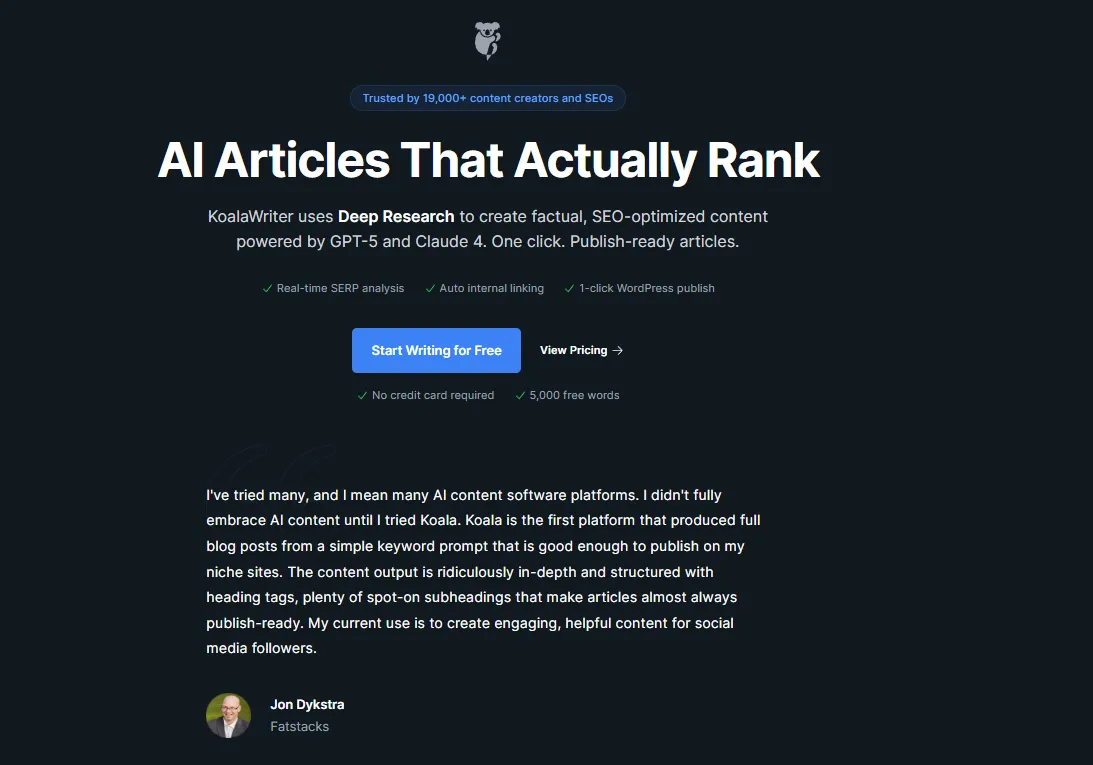
Koala AI starts with output. Enter a keyword or topic, pick your content type, and KoalaWriter generates a complete, structured article in minutes. No research phase, no outline building, no term checklist. The product is a finished draft.
Where Koala AI Excels
One-click article generation is the fastest path to a publishable draft. We entered our standing desk keyword and got a 2,100-word article with headings, an intro, product recommendations, pros/cons, and a conclusion in about 3 minutes. A few tone adjustments and it was ready to publish. With Surfer, the full research-to-draft cycle took over an hour.
Writing quality per dollar is the best available. At $9/mo, Koala produces output that reads naturally: varied sentence structure, engaging openings, logical flow. The quality rivals tools charging 3-5x more. Surfy produces flatter, more generic text, and meaningful AI usage requires the $99/mo Standard plan or higher.
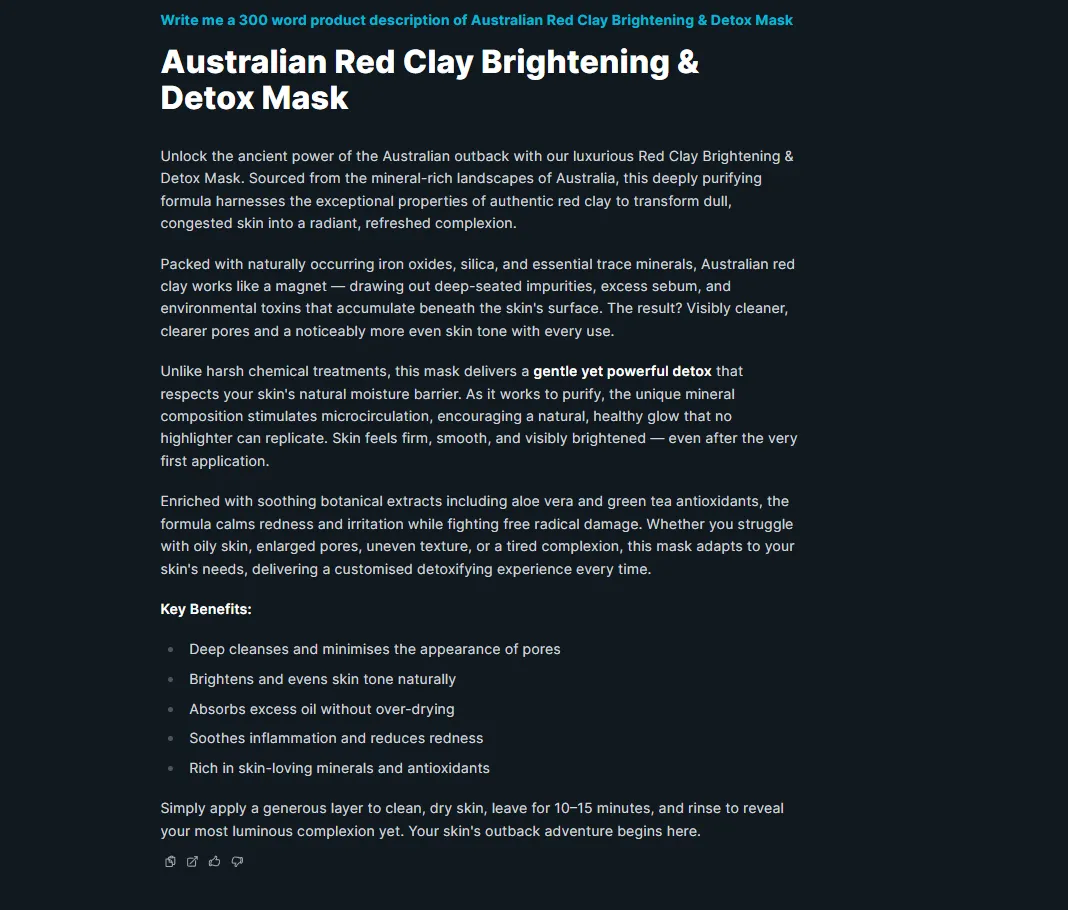
Product descriptions and e-commerce copy. Koala has dedicated modes for product descriptions and product reviews. If you run an online store alongside a blog, one subscription covers both. Surfer has no equivalent. It’s built for long-form SEO content only.
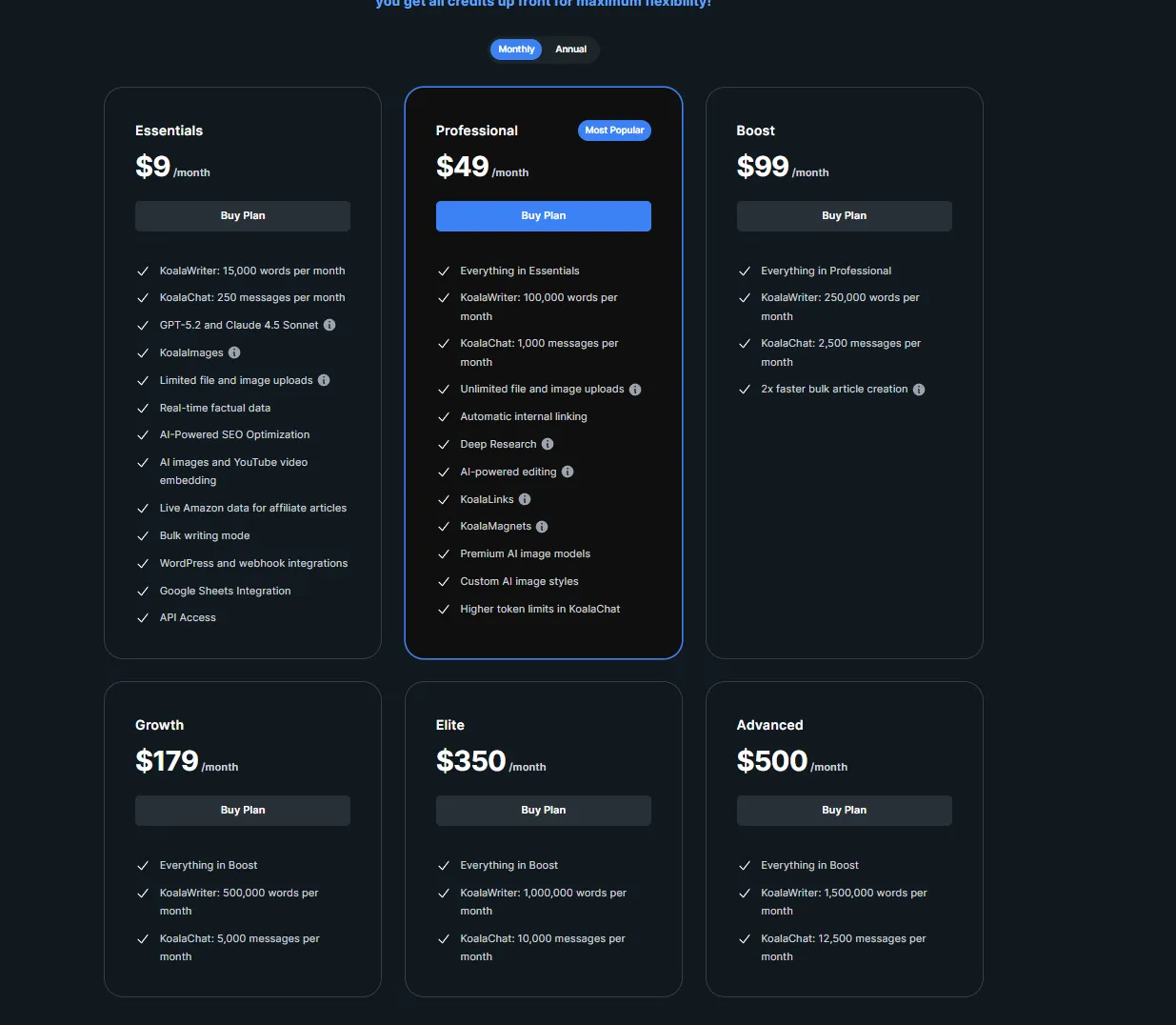
The price speaks for itself. $9/mo for GPT-5.2 and Claude 4.5 Sonnet access, 15,000 words, WordPress integration, and API access. Surfer’s cheapest plan is 5.4x the price, and that’s the Discovery tier where Surfy AI access is heavily limited.
Where Koala AI Falls Short
No competitive analysis. Koala doesn’t show you what’s ranking for your keyword. It doesn’t analyze competitor headings, NLP terms, or topic coverage. You’re trusting the AI model to guess what Google wants, and on competitive keywords (KD 20+), guessing loses to data.
No content scoring. After generating a draft, you have no way to measure whether it covers the topic comprehensively versus what’s ranking. With Surfer, you get a score and specific improvement suggestions. With Koala, you get a draft and hope.
No content audits. If you need to refresh existing content based on current SERP data, Koala has nothing for that. Surfer’s audit tool is built specifically for this workflow.
SEO optimization is surface-level. Koala adds keyword targeting and heading structure, but it doesn’t tell you which subtopics to cover, which questions to answer, or which entities to include. For low-competition keywords this is fine. For anything competitive, the gap shows.
Read our full Koala AI review for the complete walkthrough.
Head-to-Head Comparison
| Feature | Surfer SEO ($49/mo) | Koala AI ($9/mo) |
|---|---|---|
| Primary function | Content optimization | Content generation |
| NLP term analysis | Best-in-class (40+ terms) | None |
| Content scoring | Yes (0-100, real-time) | No |
| SERP analysis | Deep (top 20 results) | None |
| Content audits | Yes (GSC integration) | No |
| AI writing quality | Surfy bundled (per-plan limits), flat | Built-in, polished |
| One-click articles | No | Yes |
| Product descriptions | No | Yes (dedicated mode) |
| Google Docs plugin | Yes | No |
| WordPress plugin | Yes | Yes |
| API access | Enterprise only | All plans |
| AI models | Proprietary | GPT-5.2 + Claude 4.5 Sonnet |
| Monthly cost | $49+ | $9 |
| Our rating | 8/10 | 9/10 |
The Real Question: Optimization or Speed?
Choose Surfer SEO If:
You’re competing on tough keywords. For keywords with KD 20+ where the top results are well-optimized, publishing without SERP analysis is gambling. Surfer tells you exactly what topics, terms, and structures your content needs. This is non-negotiable for competitive niches.
You’re an agency billing for SEO services. The Content Score is a deliverable clients understand. The audit reports justify your retainer. The data-backed optimization process is what separates professional SEO content from “we wrote a blog post and hoped.”
Your bottleneck is optimization, not writing. If your team has writers but struggles with knowing what to include, what length to target, and which topics to cover, Surfer solves that problem with data. It makes good writers more effective.
You need to refresh existing content. If you manage 100+ published pages and need a system for identifying what to update and how, Surfer’s audit tool is the most efficient path. Koala has nothing for this.
Choose Koala AI If:
You need drafts fast. If you’re publishing 3-5 articles per week and the bottleneck is producing first drafts, Koala’s one-click generation saves hours per piece. Light editing gets you to publishable. With Surfer, you’re still researching while Koala is done writing.
Your budget is tight. At $9/mo versus $49/mo for Surfer Discovery (or $99/mo for Standard if you want meaningful Surfy AI usage), the cost difference is enormous. If you’re bootstrapping a blog or starting affiliate marketing, Koala lets you publish quality content without burning through budget on tooling.
You target low-competition keywords. For long-tail keywords (KD under 15) where the competition is thin content, forums, and Reddit threads, Koala’s well-written output is often enough to rank. Save the SERP analysis investment for the competitive battles.
You need e-commerce copy too. If your content strategy spans blog posts and product descriptions, Koala handles both in one subscription at a fraction of Surfer’s cost.
The Best Answer: Use Both
Here’s what serious content operations actually look like:
Surfer SEO for strategy + Koala AI for execution = $58/mo total.
The workflow:
- Use Surfer’s SERP Analyzer to research your keyword and identify the topics, terms, and structures the top results cover
- Use Koala to generate a high-quality first draft targeting that keyword
- Paste the draft into Surfer’s Content Editor and check the Content Score
- Fill any gaps Surfer identifies: add missing topics, adjust structure, include key terms
- Publish a well-written, data-optimized article
This gives you the competitive intelligence of a premium optimization platform with the writing speed of a $9/mo AI tool. You’re building content that’s both well-written and data-backed, something neither tool achieves alone.
Compare that to upgrading to Surfer Standard at $99/mo just to unlock 25 Surfy AI prompts per week. With Surfer Discovery + Koala together, it’s $58/mo for better writing quality, more drafts per month, and the same optimization rigor.
If that’s not in budget, start with whichever solves your bigger problem:
- Content ranks but doesn’t read well? Needs strategic direction? → Surfer SEO
- Need to get content published and start building traffic? → Koala AI
For an alternative optimization layer to pair with Koala, see our Frase vs Koala AI comparison. Frase at $49/mo matches Surfer on price but adds GEO score and AI Visibility tracking for AI search. For the full landscape of AI writing tools for online stores, see our best AI writer for Shopify roundup. And agencies evaluating content brief workflows should check our AI SEO brief generator guide.
Pricing verified as of April 2026. We test and update this article monthly.
Frequently Asked Questions
Is Surfer SEO better than Koala AI?
How does Surfer SEO vs Koala AI pricing compare?
Can I use Surfer SEO and Koala AI together?
Which is better for SEO content, Surfer SEO or Koala AI?
Does Koala AI have content scoring like Surfer SEO?
Which tool is better for beginners, Surfer SEO or Koala AI?
The Verdict: AI content creation on a budget
For AI content creation on a budget, we recommend Koala AI.
This comparison contains affiliate links. See our affiliate disclosure for details.