Outranking
AI SEO content writing with automatic optimization
Starting at $19/mo
Try Outranking FreeSurfer SEO
Data-driven content optimization for higher rankings
Starting at $49/mo
Try Surfer SEO FreeOutranking and Surfer SEO solve the same problem (help you create content that ranks) but they take opposite approaches to get there. Outranking bundles every stage of the content workflow into one tool at a budget price. Surfer SEO focuses on one stage (optimization) and does it deeper than anything else on the market.
Outranking ($19/mo) is an all-in-one SEO content platform. Content briefs, AI writing, optimization scoring, automatic internal linking, and SERP rank tracking, all in one subscription. It’s designed for solopreneurs and small teams who want workflow efficiency without juggling multiple tools.
Surfer SEO ($49/mo) is the industry-standard content optimizer. Its NLP term analysis, Content Score, and SERP Analyzer set the benchmark for data-driven content optimization. Writing and rank tracking aren’t its focus. It does optimization, and it does it better than anything else at any price.
The price gap is 2.5x. The feature scope is nearly inverted. The decision comes down to a single question: do you need breadth across the full workflow, or depth on the one stage that matters most for rankings?
Outranking vs Surfer SEO: Quick Verdict
Surfer SEO ($49/mo) wins for serious SEO operations with better NLP term analysis, a Content Score that moves rankings, and polished Google Docs and WordPress integrations. Outranking ($19/mo) wins for solopreneurs who want a full workflow (briefs, writing, internal linking, and rank tracking) bundled at 40% of Surfer’s price. Pick Surfer if optimization depth matters most. Pick Outranking if workflow breadth and budget matter more.
How We Tested
We ran both tools through identical workflows on the same keyword (“best standing desks for home offices,” KD ~25):
- Content creation workflow: Generated a brief, wrote a draft, optimized against the tool’s scoring system, and published
- Optimization depth: Measured how each tool analyzes competing pages and what specific suggestions it provides
- Time to publishable draft: Tracked the full cycle from keyword input to final article ready for publish
- Value per feature: Calculated cost per capability against what you’d pay for equivalent specialist tools
Surfer SEO: The Optimization Specialist
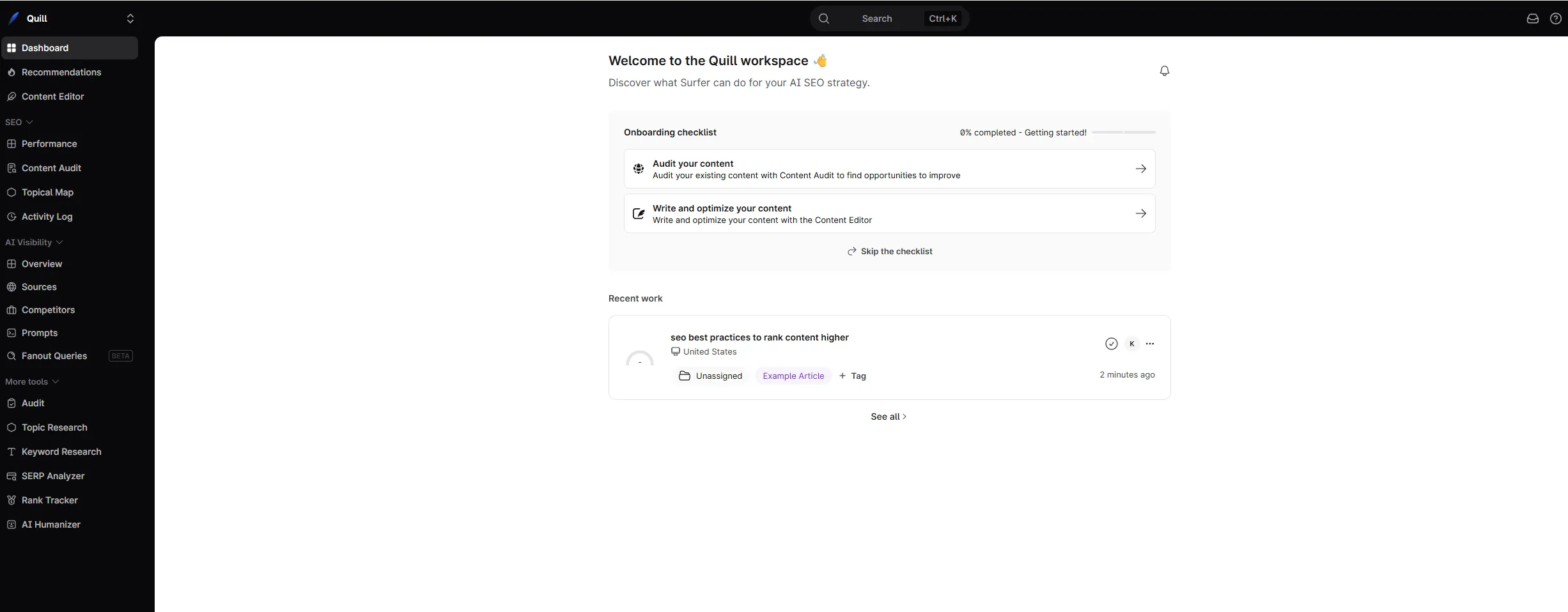
Surfer SEO doesn’t try to be a full content platform. It picks one stage (optimization) and goes deeper than any competitor. The pitch is simple: reverse-engineer what’s already ranking for your keyword, then give writers a data-backed blueprint to match or exceed it.
Where Surfer SEO Excels
NLP term analysis is unmatched in the industry. For our standing desk keyword, Surfer surfaced 40+ semantic entities and concepts that top-ranking pages cover: “ergonomic height adjustment,” “cable management tray,” “anti-fatigue mat,” “weight capacity ranges,” “motor noise levels.” These aren’t keyword variations. They’re the topical coverage patterns that separate comprehensive content from thin content. Outranking’s scoring identified some of these concepts at a higher level, but it didn’t surface the specific entities and frequencies that Surfer did.
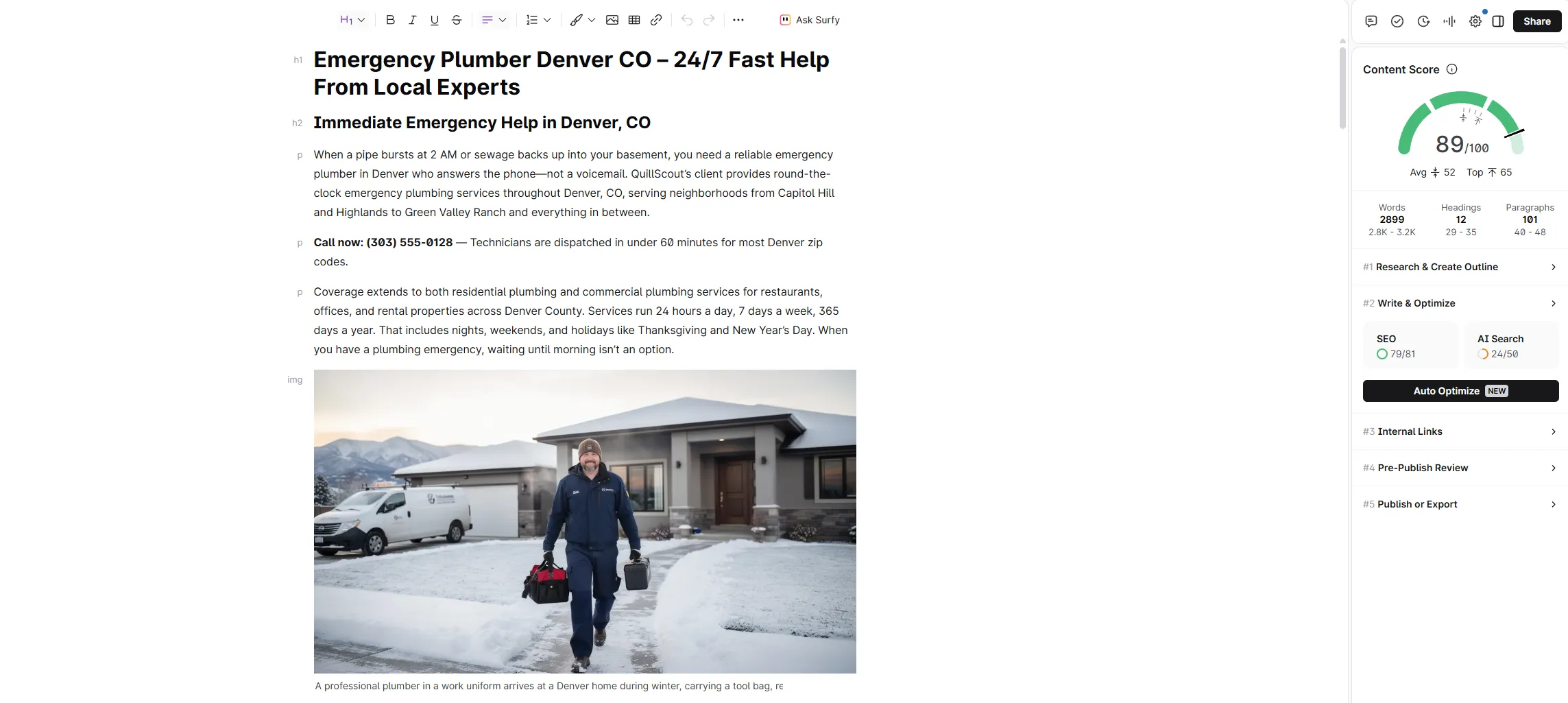
The Content Score is the industry benchmark. A real-time 0-100 score in the editor tells you exactly how your draft compares to the top-ranking pages for your target keyword. In our testing over multiple articles and months, pieces scoring 70+ consistently outperformed those in the 50-60 range, controlling for domain authority and backlinks. It’s not magic (content scoring won’t fix a weak domain) but it’s the most reliable optimization signal available in any tool.
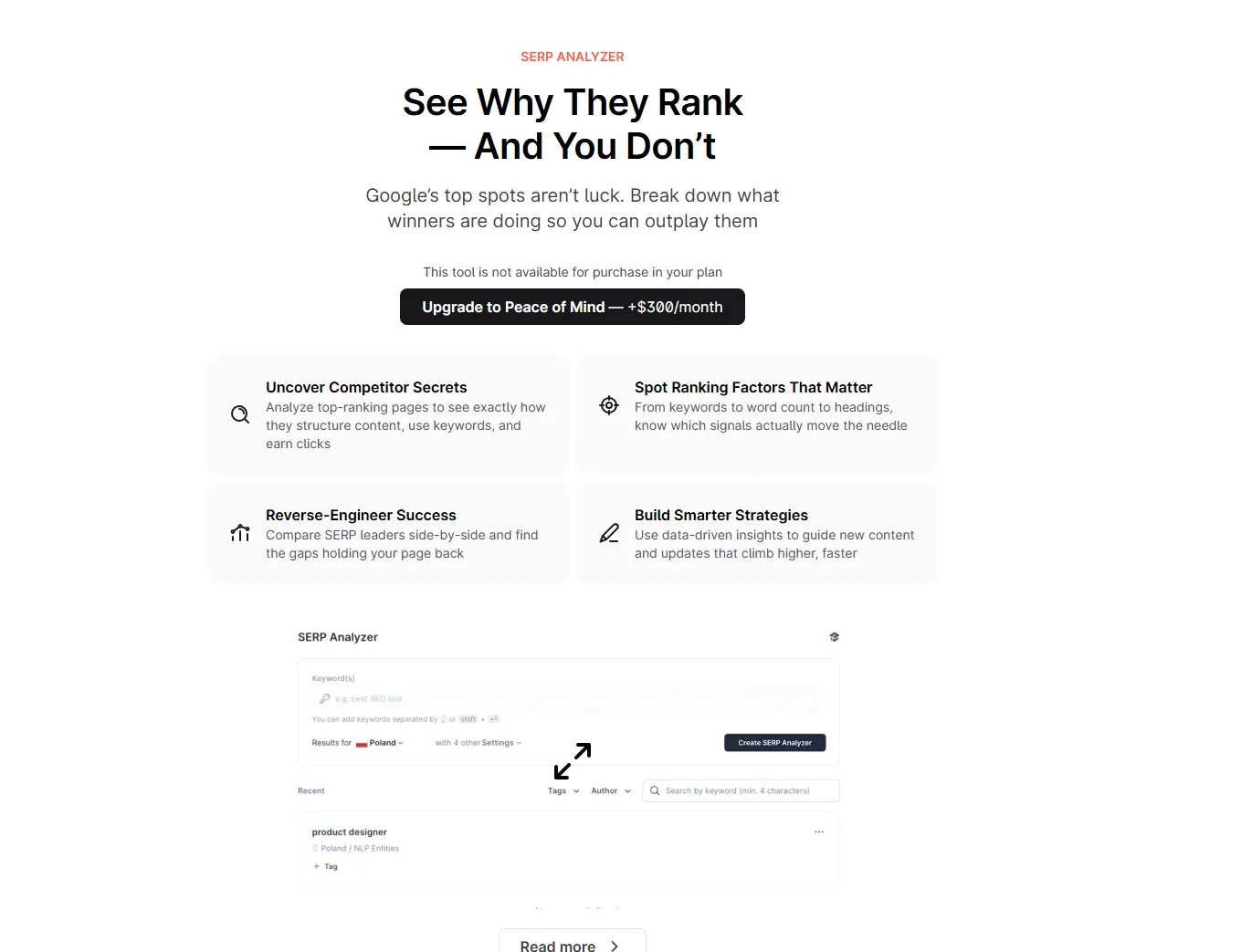
SERP Analyzer reveals patterns you can’t see manually. Beyond term lists and word counts, Surfer shows you structural patterns across the top 50 results. Which pages include comparison tables? What’s the average heading count? How do word count and ranking correlate for this specific keyword? For our test keyword, we discovered every page in the top 5 included a comparison table, something we hadn’t planned to include without the data.
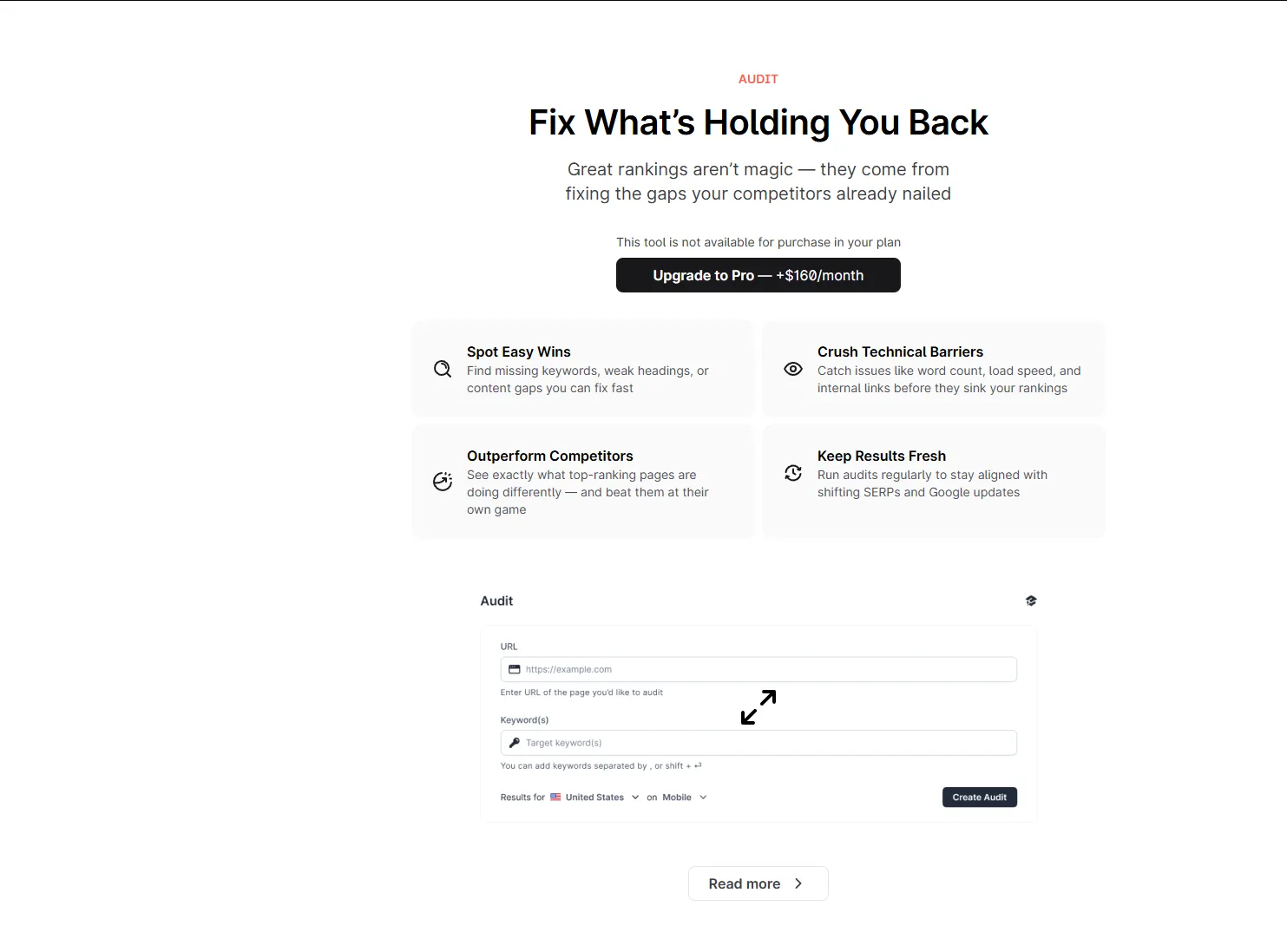
Content Audit pays for itself on refresh workflows. Connect Google Search Console, point Surfer at a published URL, and it tells you exactly what to change: missing terms, structural gaps, sections to expand. We ran audits on multiple existing articles and found actionable recommendations about 80% of the time. For teams managing large content libraries, the time saved on quarterly refreshes alone justifies the subscription.
Google Docs and WordPress integrations are polished. The Google Docs add-on mirrors the full Content Editor experience, so writers who live in Docs never need to switch tools. The WordPress plugin lets you optimize directly in the block editor. Both work reliably, with no sync issues and no feature gaps compared to the web editor.
Where Surfer SEO Falls Short
The price is steep for solo creators. At $49/mo for the Discovery plan with 30 Content Editor uses, Surfer costs $1.60 per article if you use the full quota. For solopreneurs publishing 3-5 articles per month, that drops to $10-16 per article, expensive for a single layer of the content workflow.
Writing requires the Standard plan or higher. Surfer’s Discovery plan ($49/mo) gives you minimal Surfy AI prompts. To unlock proper AI writing you need Standard at $99/mo (25 prompts per week) or Pro at $182/mo (50 prompts per day). Outranking’s built-in AI writer is included in the base $19/mo Solo plan with no per-prompt limits.
No rank tracking or internal linking. After you publish, Surfer has nothing for you. You need a separate rank tracker ($15-30/mo) and manual internal linking workflow. Outranking bundles both.
Keyword research is weak. The clustering feature is useful for planning, but for actual keyword difficulty and search volume data, you still need Ahrefs or Semrush. Surfer’s keyword module feels bolted on rather than built-in.
Read our full Surfer SEO review for the complete feature breakdown.
Outranking: The Full-Workflow Platform
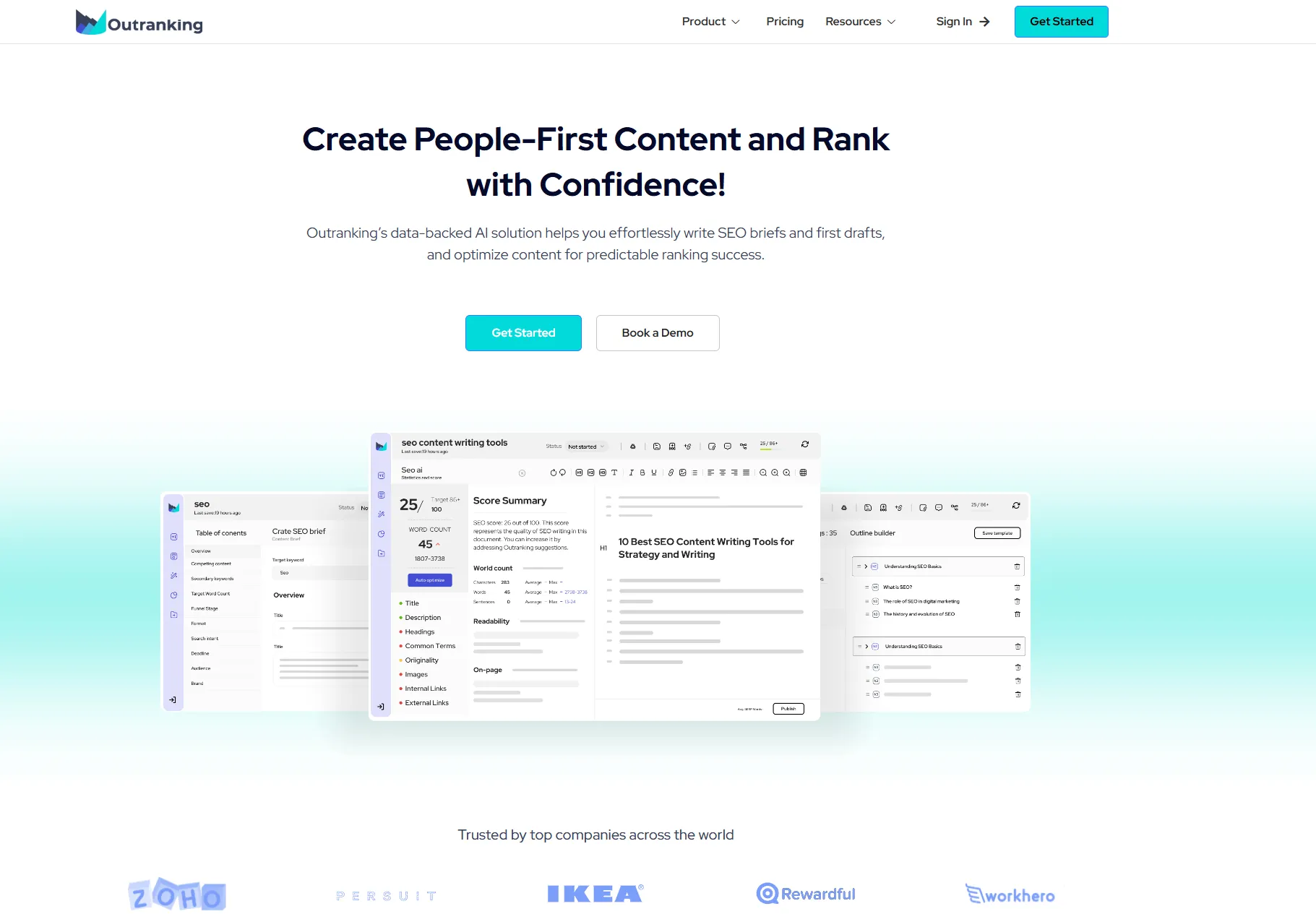
Outranking’s pitch is consolidation. Instead of paying $49/mo for Surfer, $10-20/mo for a rank tracker, and stacking other tools for writing and internal linking, you get everything in one $19/mo subscription. We tested whether the bundled approach actually delivers on the promise.
Where Outranking Excels
The integrated workflow genuinely saves time. We timed our full workflow in both tools. With Surfer, the research-write-optimize cycle across multiple tabs took about 75 minutes. With Outranking, the same workflow in one environment took about 50 minutes. Twenty minutes saved per article compounds fast. At 10 articles per month, that’s 200 minutes back. Three hours every month.
Content scoring is competitive with Surfer’s. We expected Outranking’s scoring to feel like an afterthought compared to the industry leader. It wasn’t. The scoring correctly identified missing subtopics, flagged keyword density issues, and provided actionable suggestions. It’s not as granular as Surfer’s NLP term analysis (Outranking works at a broader topic level) but for most content workflows, the difference is marginal. For agencies that need to prove optimization depth to clients, Surfer wins. For solopreneurs who just need their content to be topically complete, Outranking is close enough.
Automatic internal linking is a feature Surfer doesn’t have at any price. As you write, Outranking suggests internal links to your other published content with relevant anchor text. About 70% of suggestions were useful in our testing. Manually building internal links takes 5-10 minutes per article; Outranking cuts that to under a minute. Surfer has no equivalent. You’re on your own for internal linking.
Built-in SERP tracking closes the feedback loop. After publishing, you can monitor keyword rankings directly inside Outranking. Surfer has no rank tracking at all, so you need a separate subscription. Outranking’s tracking is basic compared to dedicated tools, but it covers daily position updates and trend data without the extra cost.
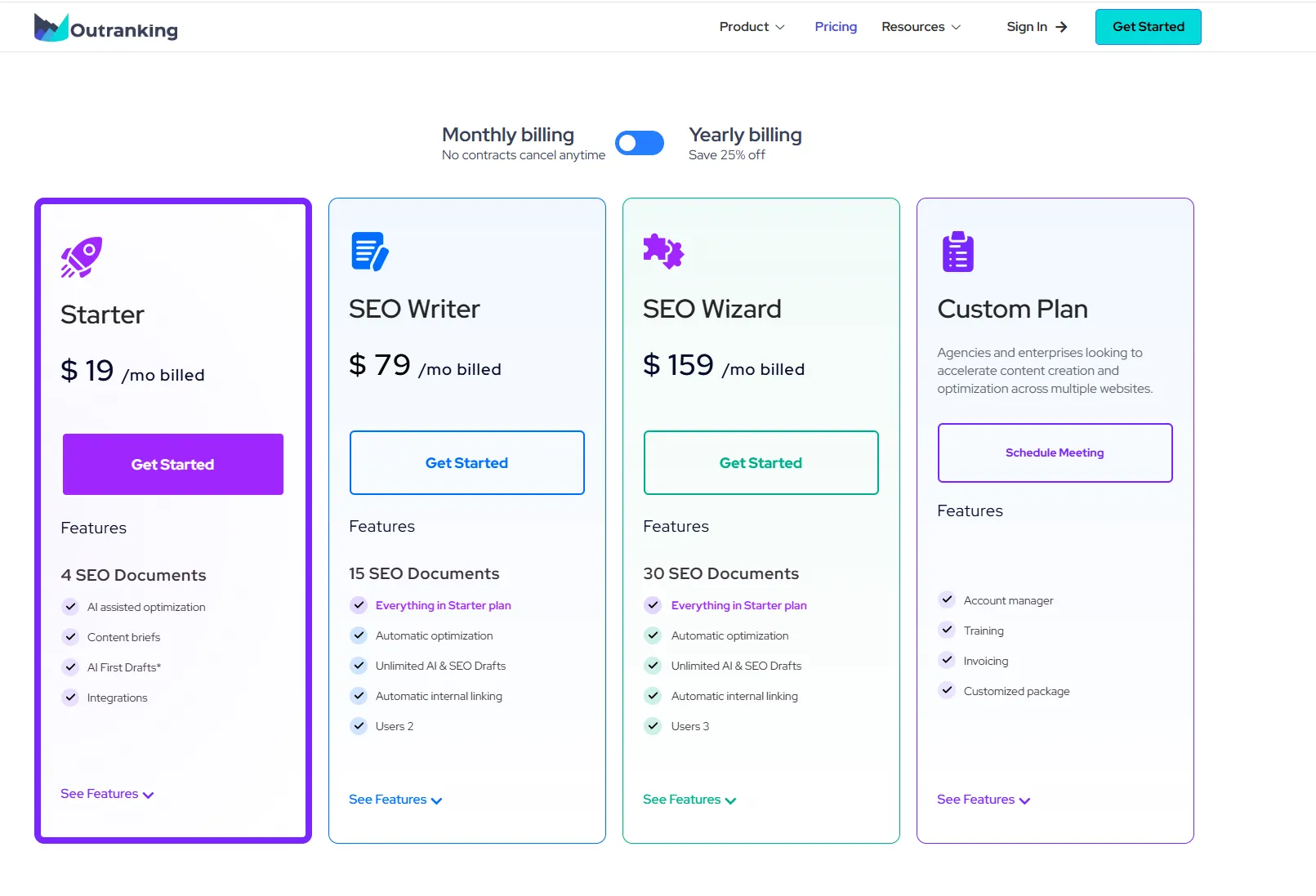
The value math works in Outranking’s favor. A comparable tool stack (Frase Starter at $49/mo, a basic rank tracker at $15/mo, and an internal linking tool at $15-25/mo) costs $79-89/mo. Surfer Discovery alone costs $49/mo and doesn’t include rank tracking or internal linking at all. Outranking at $19/mo is the cheapest way to get all four capabilities in one subscription.
Where Outranking Falls Short
Optimization depth doesn’t match Surfer’s. This is the core trade-off. Outranking’s content scoring covers the fundamentals correctly, but it lacks Surfer’s NLP term analysis, SERP Analyzer correlation data, and audit workflows. For competitive keywords (KD 30+) where topical completeness at the semantic-entity level matters, Surfer’s optimization depth genuinely moves rankings in ways Outranking can’t match.
No Google Docs or WordPress plugin. Surfer’s integrations are polished and widely used. Outranking doesn’t have equivalent plugins, which means your writing workflow is either in Outranking’s editor or involves copy-paste between platforms. For teams where writers live in Google Docs, this is a practical limitation.
Smaller community, fewer resources. Surfer has extensive tutorial libraries, YouTube channels, and active user communities. Outranking’s community is growing but smaller. If you learn tools through third-party resources, Surfer has more material.
Brief depth is limited. Outranking’s content briefs cover basic SERP analysis, but they don’t match the depth of specialist tools like Frase. For internal use they’re adequate; as client deliverables, they often need supplementing.
Read our full Outranking review for the complete walkthrough.
Head-to-Head Comparison
| Feature | Outranking ($19/mo) | Surfer SEO ($49/mo) |
|---|---|---|
| NLP term analysis | Topic-level | Industry-leading (40+ entities per keyword) |
| Content scoring | Yes (competitive) | Yes (industry benchmark) |
| SERP Analyzer depth | Basic | Deep (top 50 results + correlation charts) |
| Content Audit | No | Yes (with GSC integration) |
| AI writing | Built-in, all plans | Surfy bundled (Discovery limited, Standard 25/wk, Pro 50/day) |
| Content briefs | Yes (basic) | Yes (decent) |
| Internal linking | Yes (automated) | No |
| SERP rank tracking | Yes (built-in) | No |
| Google Docs plugin | No | Yes |
| WordPress plugin | No | Yes |
| Keyword research | Basic | Basic |
| Community/resources | Smaller | Large, active |
| Time to publishable draft | ~50 min (full workflow) | ~75 min (multi-tool) |
| Our rating | 7/10 | 8/10 |
The Real Question: Depth or Breadth?
Choose Surfer SEO If:
You compete on keywords where optimization depth matters. For keywords with KD 30+ where the top results are well-optimized, Surfer’s NLP term analysis and Content Score reveal gaps that cheaper tools miss. Publishing into competitive niches without this data is gambling. Surfer removes the guesswork.
You run an agency billing for SEO services. Clients understand the Content Score. It’s a concrete deliverable they can see and measure. The audit reports justify the retainer. The data-backed optimization process is what separates professional SEO content production from hobbyist blogging. At $49/mo, Surfer is a rounding error in agency overhead.
You need Google Docs or WordPress integration. If your writers live in Google Docs, Surfer’s add-on is seamless. Outranking has no equivalent. For teams that can’t or won’t migrate writing workflows to a new platform, Surfer is the only realistic choice.
Your volume justifies the cost. At 20+ articles per month, the $49/mo price drops to under $2.50 per article for optimization data that genuinely improves rankings. At 5 articles per month, the same cost is $10/article, still reasonable for competitive content, but the economics favor scale.
You need content audit workflows. Surfer’s Content Audit is uniquely valuable for content refresh programs. If you’re managing 50+ published articles that need quarterly updates, this feature alone saves hours per audit and pays for the subscription.
Choose Outranking If:
You’re a solopreneur handling every stage yourself. If you research, write, optimize, link, and track (with no team) Outranking’s integrated workflow matches that reality. Surfer handles one stage beautifully but leaves you to cobble together four more stages with other tools.
You need rank tracking and internal linking without extra subscriptions. Outranking bundles both at $19/mo. Adding these to Surfer would require a rank tracker subscription (~$15-20/mo) and either manual internal linking or a dedicated tool. The math works out to roughly the same cost as Outranking alone, without the workflow integration benefits.
You’re publishing low-to-moderate volume. If you’re producing 3-10 articles per month, Surfer Standard at $99/mo (or Pro at $182/mo for daily AI usage) costs significantly more than Outranking’s flat $19/mo with unlimited writing on the Solo plan.
You can’t justify $49/mo for tooling yet. Many bootstrapping creators genuinely can’t absorb a $49/mo tool subscription while revenue is still building. Outranking at $19/mo makes optimization accessible at a price point where it’s easy to justify. You can always upgrade to Surfer later when revenue justifies the jump.
You target lower-competition keywords (KD under 25). For long-tail keywords where topical completeness at the basic level is enough, Outranking’s scoring is sufficient. Save Surfer’s NLP depth for the competitive battles where you need every edge.
The Best Answer: Pick One (Probably Surfer for Serious SEO Work)
Unlike some of our other comparisons where the combined workflow is the right answer, Outranking and Surfer SEO are not natural complements. Both cover optimization scoring. Stacking them means paying $68/mo to do the same job twice, with only Outranking’s internal linking and rank tracking as non-redundant additions.
For serious SEO content operations, Surfer SEO is the right choice. The optimization depth is genuinely better, the Content Score is the industry standard for a reason, and the integrations (Google Docs, WordPress) matter for real production workflows. The 2.5x price premium buys you measurably better outcomes on the one thing that determines whether your content ranks.
For solopreneurs on a budget, Outranking is the smart buy. You get 80% of Surfer’s optimization value at 40% of the price, plus internal linking and rank tracking that Surfer doesn’t offer at any tier. The workflow integration saves real time. And when your operation grows to the point where Surfer’s deeper optimization matters, you can upgrade then.
For readers evaluating other optimization alternatives, see our Outranking vs Frase comparison ($19/mo workflow tool vs $49/mo AI search specialist) or our Frase vs Surfer SEO comparison (both at $49/mo, Frase wins on AI search visibility, Surfer wins on Google NLP depth). For teams building the full AI content workflow, see our AI SEO brief generator for agencies roundup.
Pricing verified as of April 2026. We test and update this article monthly.
Frequently Asked Questions
Is Outranking better than Surfer SEO?
How does Outranking vs Surfer SEO pricing compare?
Can I use Outranking and Surfer SEO together?
Which tool is better for content optimization?
Does Outranking have NLP term analysis like Surfer SEO?
Which is better for solopreneurs vs agencies?
The Verdict: professional SEO content optimization
For professional SEO content optimization, we recommend Surfer SEO.
This comparison contains affiliate links. See our affiliate disclosure for details.